HyprBazzite: Architecting the Ultimate Game Dev OS
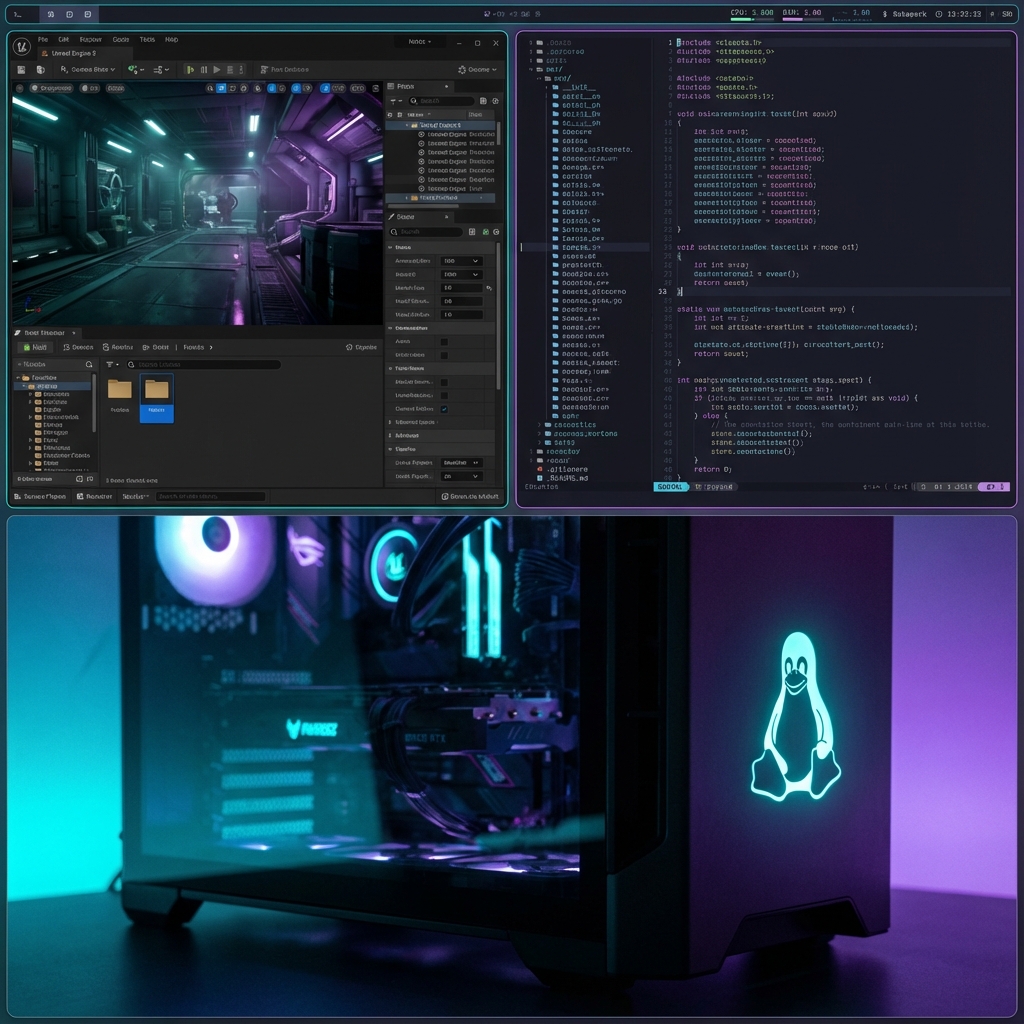
After moving between different Linux distributions, I found that maintaining a consistent development environment across multiple machines was a constant struggle. System drift, broken dependencies after updates, and inconsistent driver versions always seemed to crop up at the worst times.
The Problem
Standard Linux distros are great for general use, but for high-performance game development, they have flaws:
- System Drift: It's too easy to install a library and forget about it, making the environment impossible to replicate.
- Atomic Failure: A bad update can break the entire development workstation.
- Compositor Lag: Standard desktops often introduce latency that interferes with engine profiling.
The Solution: OCI-Based Immutability
Instead of a traditional distribution, I built HyprBazzite as a custom OCI bootc image. I used ghcr.io/ublue-os/bazzite-dx-nvidia:stable as the foundation and layered specific technical requirements on top.
Why OCI?
- Atomic Updates: Upgrades either succeed completely or roll back automatically.
- Reproducibility: The environment is built from a Dockerfile, ensuring bit-perfect copies across machines.
- Cloud-Native Deployment: I can host the OS image on GitHub Container Registry (GHCR) and pull it down to any machine.
The Development Stack
I needed a workspace that was both fast and highly configurable.
Window Management & Shell
I integrated Hyprland as the primary compositor for its performance and modern feature set. For secondary needs, I included Niri (a scrollable-tiling WM). To bridge the two, I'm using Noctalia Shell driven by Quickshell, providing a unified UI layer.
Engine SDK Integration
The "DX" base of Bazzite handles many defaults, but I added the full stack for Unreal Engine 5:
- .NET 8 SDK for modern C# tooling.
- Clang & CMake toolchains.
- Mapped dependencies for UE5 to ensure the engine runs flawlessly on an immutable filesystem.
Optimizations
I've implemented several low-level tweaks to minimize latency:
- DNF5: Faster layer builds and cleaner system images.
- Direct Scanout & VRR: Integrated for NVIDIA hardware to ensure lowest possible display latency.
- Terminal Swallowing: Minimizes clutter by hiding the terminal when launching engine tools.
Debugging Virtualized Displays
A major hurdle was testing this image in virtual machines. I kept hitting EGL_EXT_device_drm errors when running Niri inside QEMU/libvirt.
The Fix: I had to validate the software rendering fallbacks and fix the dependency chains within the image build process. This allows for full UI shell development and testing in a VM before pushing the image to bare metal hardware.
Results & Next Steps
This workflow has completely eliminated system drift. I build the image once, push it to my private registry, and my workstation, laptop, and build machines are always in sync.
The next step is to further optimize the Noctalia Shell's Quickshell backend for even lower resource usage during heavy engine compilation tasks.